Choosing a photo they’ll want to keep.
Oct 23, 2026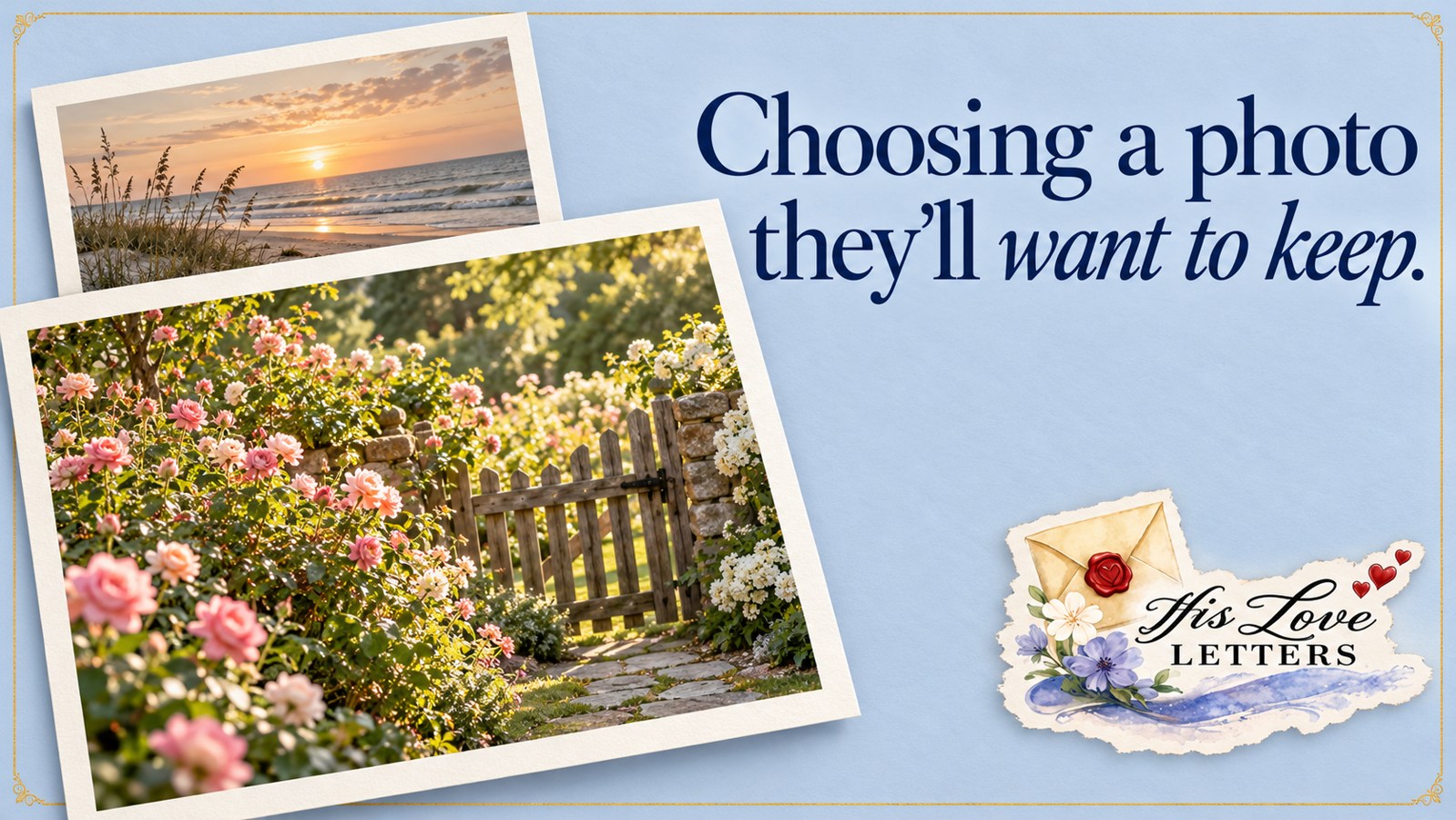
A familiar face can bring so much joy to an ordinary piece of mail. Someone opens the envelope and sees a little of your life: a celebration they remember, a child who has grown, or a moment they wish they could have shared with you.
The photo doesn’t have to be formal. Often, the picture that means the most is the one with a story behind it.
Choose the moment before choosing the picture.
Think about what you want your loved one to feel when they see it. Are you sharing happy news? Remembering a day together? Giving them a glimpse of home?
Starting with that thought can make it easier to choose from all the photos on your phone. You are looking for a moment that connects you, not necessarily the picture that looks the most polished.
A wedding photo can bring back a joyful day. A snapshot from the backyard can say, “This is what our life looks like right now, and we want you to be part of it.” Both have a place.
Look for a face they can see clearly.
Before you send the photo, open it a little larger. Can you see the people clearly? Are the faces in focus? Is the picture bright enough to enjoy without straining?
Pictures with people close to the camera are often easier to appreciate in a small print than a large group standing far away. If the photo is very dark or blurry, look for another from the same moment.
Use the original photo file when you have it. A screenshot of a picture inside a text message may include extra borders and can lose detail. The original gives the printed photo the best place to start.
Leave a little room around the people.
It helps to choose a photo with some space around the faces and heads. When a picture is fitted to a print, the edges may need to be cropped. A face right against the edge can be harder to keep fully in view.
If you crop the photo yourself, check the top of everyone’s head and the sides of the group before saving it. Keep an original copy, too. You don’t need to smooth faces or change how anyone looks. The familiar person in the photo is what makes it special.
Tell the little story on the back.
With Personal Touch, your custom note goes on the back of the photo. Think of it as a small space to tell your loved one why you chose this particular moment.
Names, a place, or a date can be helpful, especially when you are sharing a picture of children or a family gathering. Then add one personal thought. You could use something as simple as:
“This is from our wedding! We love you!”
Or give them a glimpse of what happened just outside the frame:
“We took this after our Sunday walk. The kids wanted to show you how tall they’re getting. We miss you and wish you could have come with us.”
Your words don’t need to describe every detail. One sentence that brings them into the moment can be enough.
You can choose a card instead.
Some months, a card may fit what you want to say. Personal Touch lets you choose a Birthday, Thank You, Thinking of You, or Christmas card instead of a photo. You can include an optional custom note with any of those styles.
That gives you room to choose what feels right for the person and the month. A birthday message, a thank you for a kindness, or a simple reminder that you are thinking of them can all be personal.
Send it through your member dashboard.
If you have a Personal Touch subscription, open Monthly submissions in your member dashboard to choose your photo or card and add your note. Complete your selection before the submission deadline for your letter.
The standard His Love Letter subscription does not include a custom photo. Personal Touch is the optional upgrade for these selections.
As you choose, remember the person opening the envelope. They don’t need a perfect picture of a perfect day. A moment from your life, shared with love, gives them something of you to keep close.
Send a little love their way.
Give someone you love a reminder that they are loved by God, and by you. Every His Love Letter includes personal Scriptures, original artwork, and extra encouragement.